
Gamma is one of those AI tools that can look deceptively simple: you give it a topic, it generates a presentation, and a few minutes later you have something that looks very polished.
But for product designers, the interesting part isn’t about the speed but rather about using Gamma as a lightweight storytelling tool for design reviews, case studies, research summaries, product proposals, and stakeholder presentations.
And in this article, I want to share 5 tips that make Gamma considerably more useful for routine product design tasks.
1. Start with content, not with a prompt
Gamma gives you three useful starting points: Create slide deck with AI, Create presentation manually, and Import.
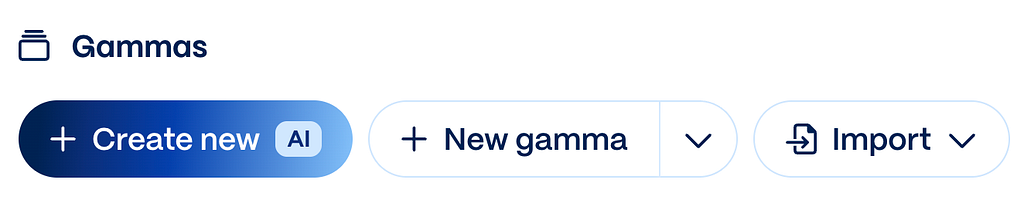
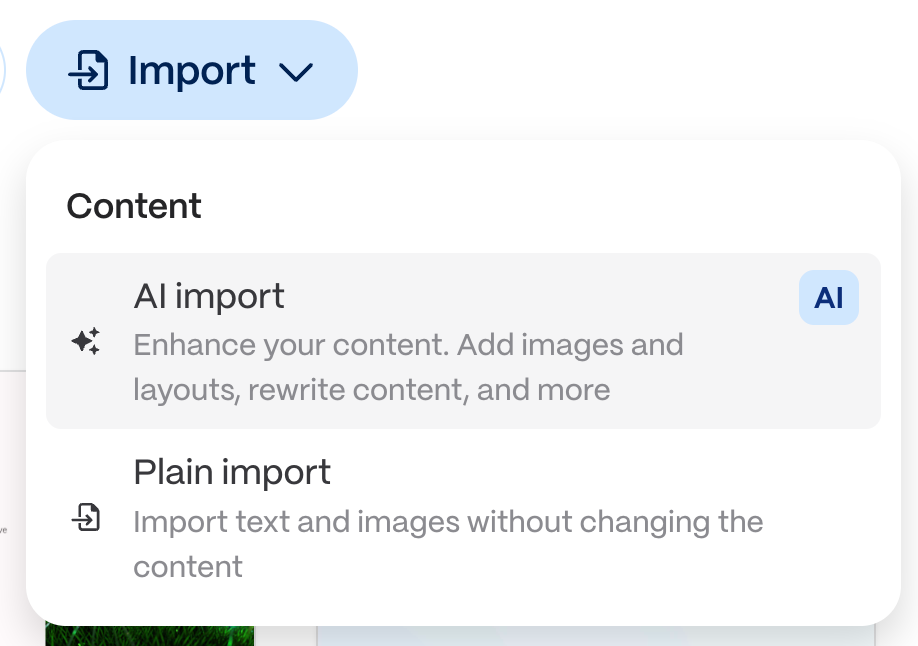
Create new with AI option is useful for brainstorming, but if you already know what you want to say, Import is often the better option. When you choose AI Import, Gamma takes your existing content and turns it into a visual structure without rewriting the entire story for you.
2. Treat slides as cards
When it comes to Gamma, the concept of a card as a content container works much better than the concept of a traditional slide (that is used in a traditional PowerPoint). Card format makes the content you share more focused and optimized for quick scanning.
A well-crafted card communicates the idea at a glance.
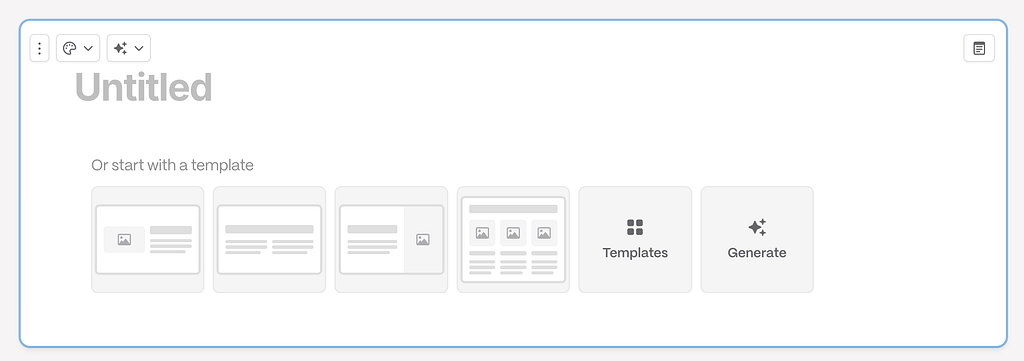
All you need to do is choose the right format for your content (either from a list of ready-to-use templates that Gamma offers or create your own template). But be sure to follow the main rule.
One card = one key idea
3. Create your theme before polishing individual slides
One of the easiest ways to waste time in Gamma is manually fixing colors, typography, and styling card by card. You can spend a lot of time doing it only to realize that you have an inconsistent collection of slides.
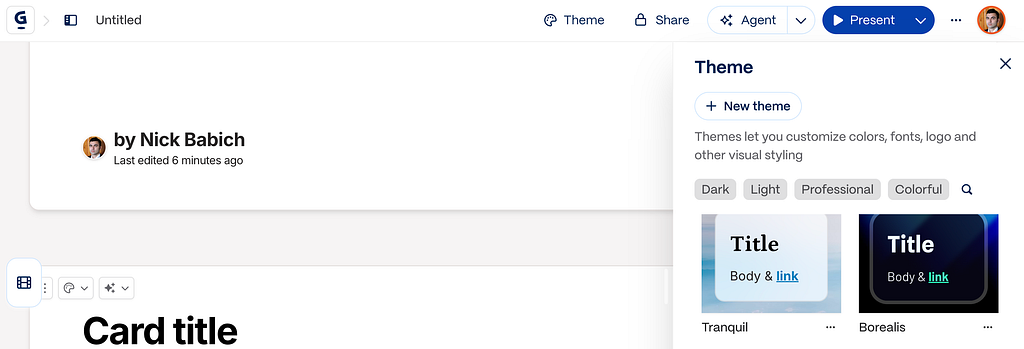
Instead, create a custom theme first.
Gamma themes can define colors, fonts, card styles, and other visual characteristics across the presentation.
4. Embed the prototype instead of showing screenshots
This is probably one of the most useful Gamma features for designers.
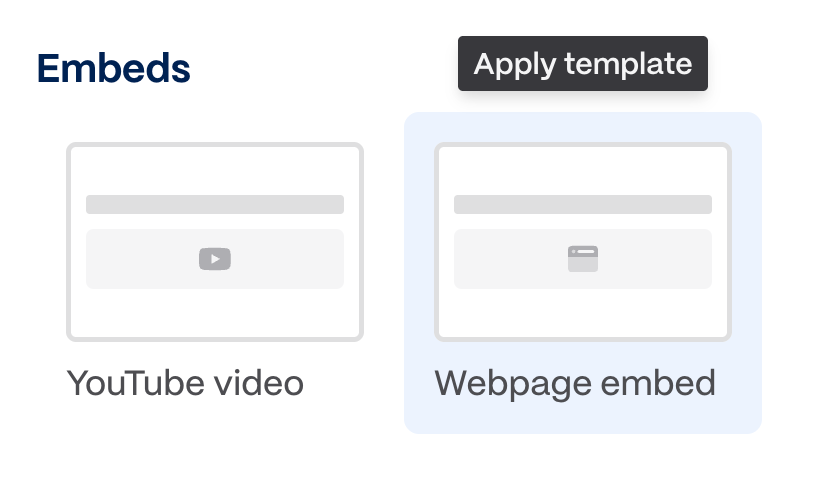
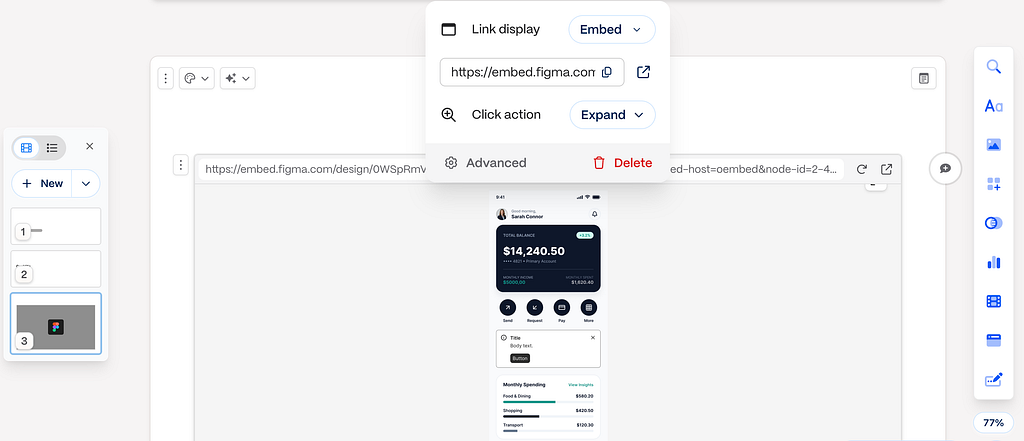
Gamma supports embedding Figma content directly into a presentation. You can choose the Webpage embed template and insert a Figma URL through the embed functionality instead of exporting dozens of static screenshots.
And Gamma will show you your Figma prototype.
5. Use AI for editing, not just generation
Most people use Gamma’s AI at the beginning: Create a presentation about X.
But a much better workflow is to use AI repeatedly while editing.
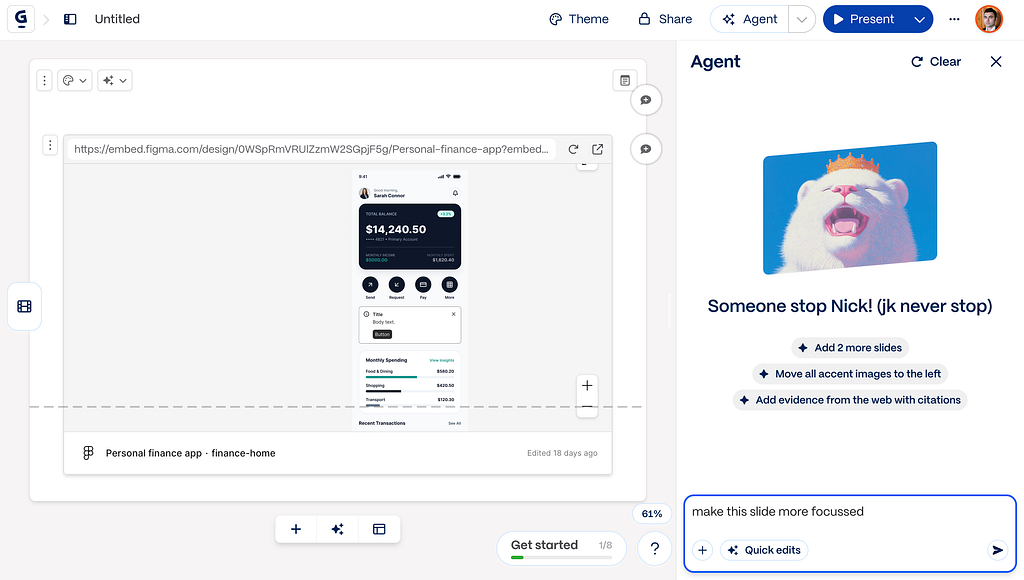
Gamma’s Agent can modify both existing content and presentation elements, so you can use it to restructure or refine what you’ve already created rather than regenerating the entire deck.
For example, you can prompt the AI assistant to:
- “Make this slide more concise.”
- “Turn these findings into three insights.”
- “Reduce the amount of text without removing the metrics.”
- “Make this section more suitable for an executive audience.”
Written by Nick Babich

Gamma Tips & Tricks for Product Designers was originally published in UX Planet on Medium, where people are continuing the conversation by highlighting and responding to this story.